Restore Android Purchases
Note: Purchases don't transfer between Google and Apple, only between devices of the same OS.
This process only works if your previous device was also a Google device. Purchases are tied to your Google account; ensure you are logged into the same account on your new device. (FAQ)
So, you just got a fancy new Android device and want to get your original purchases from your Google account onto your new device. Here is how that works:
Open the app while on Wi-Fi or with good cell service.
Wait a few minutes. Google pushes purchase records to the device after the app opens, but it can take a moment for the sync to complete.
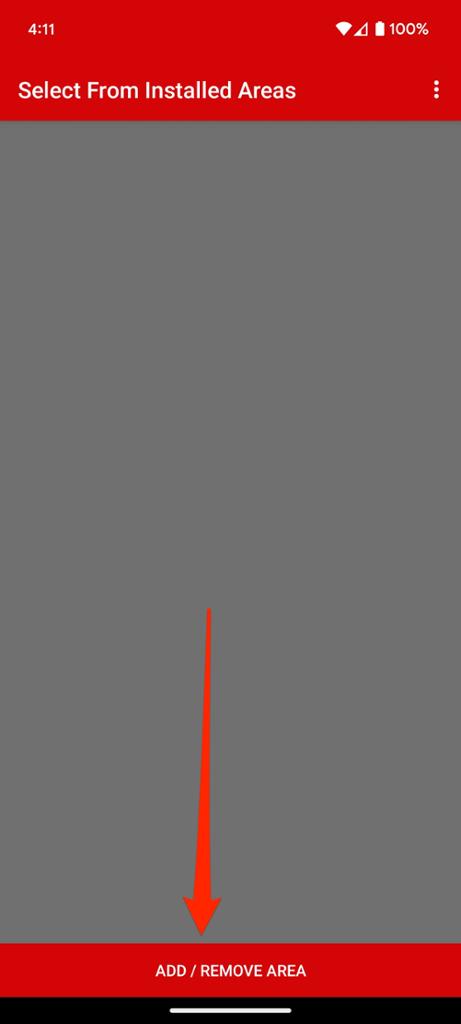
Tap Add/Remove Area from the main screen.
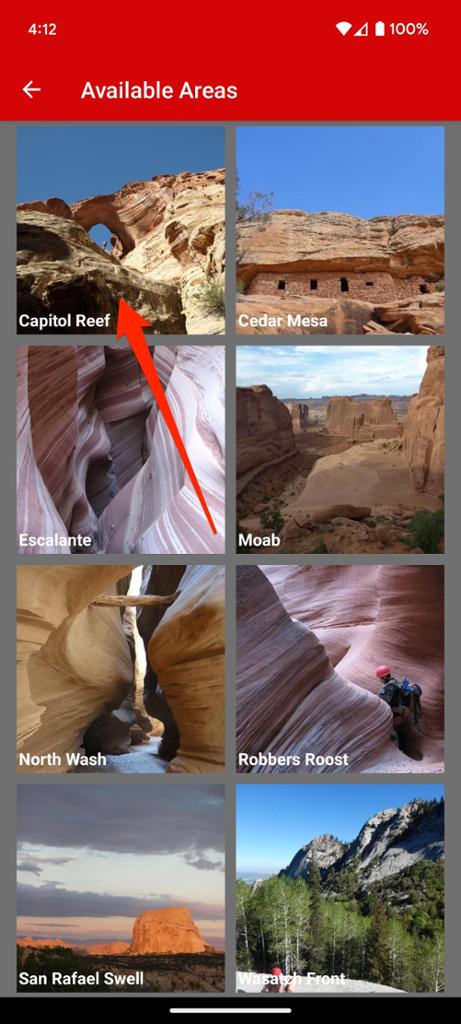
Choose an area you have already purchased.
In the example below, we are selecting Capitol Reef.
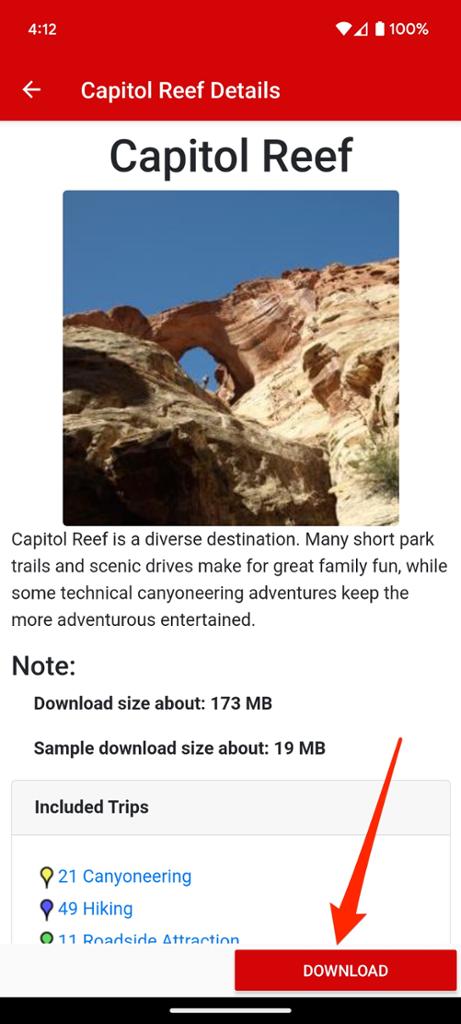
Tap the Download button.
Since the area was already purchased, the system will recognize the license and show a Download button instead of a price. Tap it to begin.
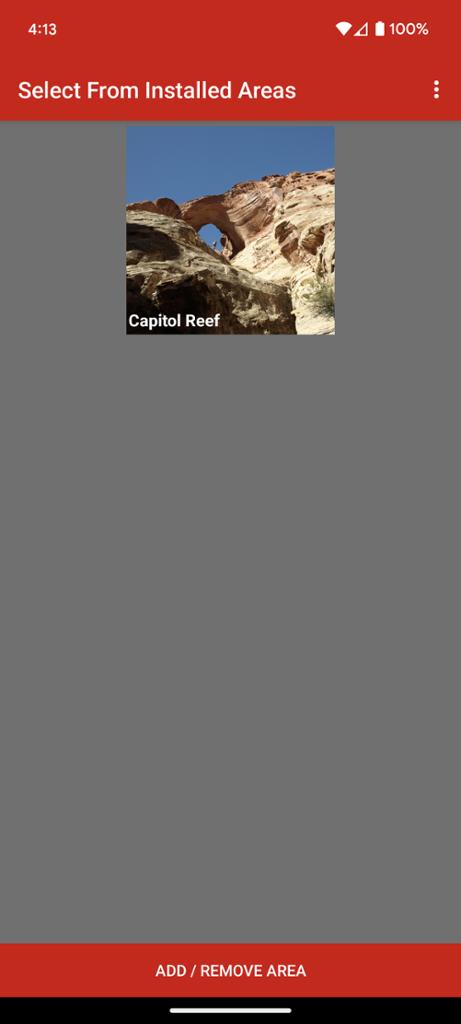
Return to the Home Screen.
Once the download is complete, go back two screens. The area will now be visible in your installed list.